> ## Documentation Index
> Fetch the complete documentation index at: https://docs.rootly.com/llms.txt
> Use this file to discover all available pages before exploring further.
# Public And Private Status Pages
> Configure public status pages for customer communication and private status pages for internal team updates during incidents and maintenance.
Rootly has two types of status pages available: public status pages and private status pages. Both can be used to communicate relevant information about ongoing or past incidents and the status of incidents and services.
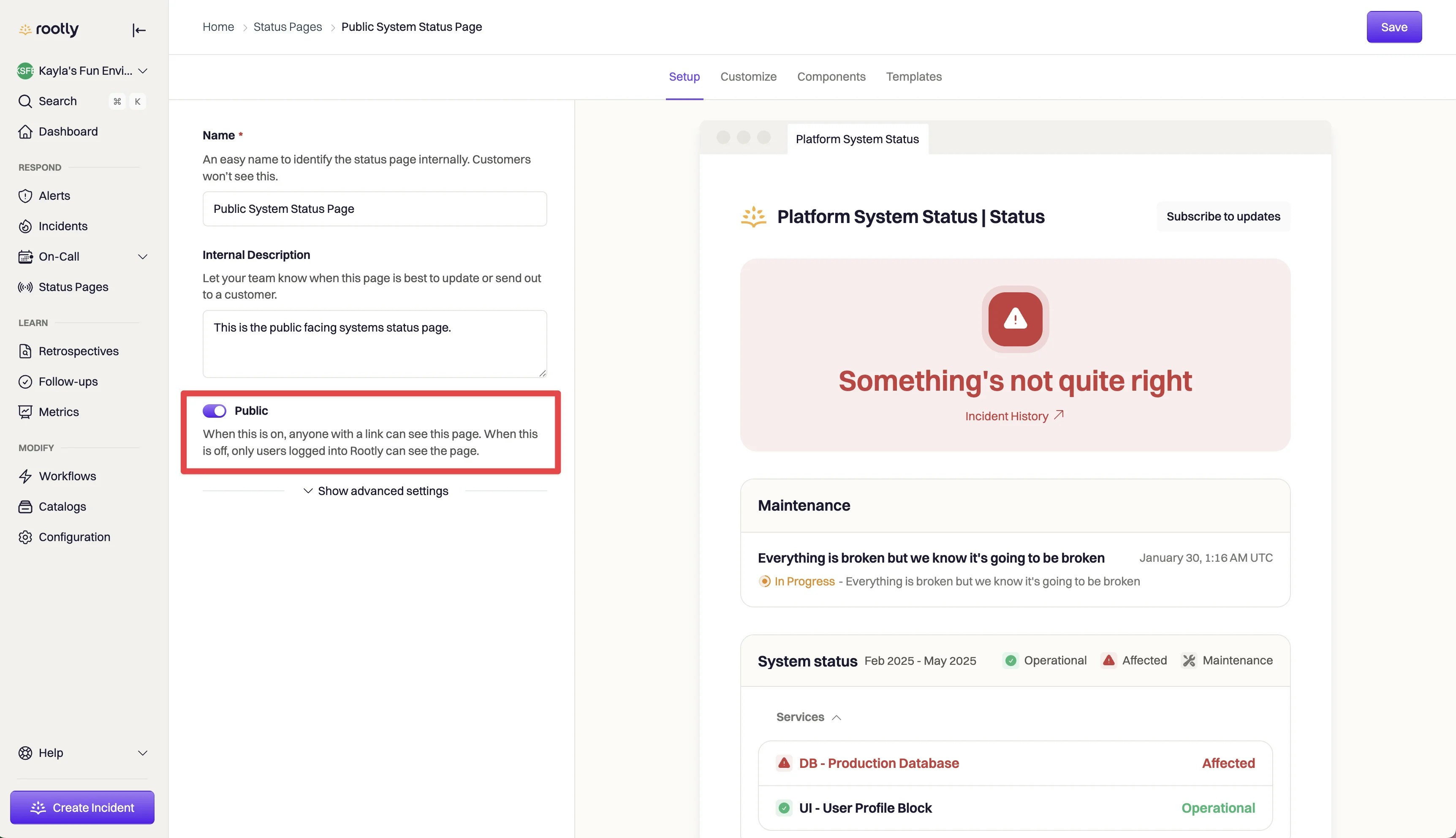 By default, you will have a public and private status page to customize and configure. You can add additional pages from the Status Page section in Rootly.
Private status pages can only be accessed by Rootly users. These are great for communicating important incidents and service statuses to your internal teams.
Users must be logged in to Rootly to access this page.
Public status pages can be accessed by anyone who has access to the status page's URL. These are the perfect option to communicate incident updates and service statuses to your external stakeholders, like customers or partners.
By default, you will have a public and private status page to customize and configure. You can add additional pages from the Status Page section in Rootly.
Private status pages can only be accessed by Rootly users. These are great for communicating important incidents and service statuses to your internal teams.
Users must be logged in to Rootly to access this page.
Public status pages can be accessed by anyone who has access to the status page's URL. These are the perfect option to communicate incident updates and service statuses to your external stakeholders, like customers or partners.