> ## Documentation Index
> Fetch the complete documentation index at: https://docs.rootly.com/llms.txt
> Use this file to discover all available pages before exploring further.
# Installation
> Install and set up the Coda integration with Rootly to automate retrospective document creation, page management, and template-based incident reporting.
## Installing Coda on Rootly
We recommend you perform the installation with a **service account** to ensure the integration doesn't break, should the installing user leave the company.
Ensure that you are **logged in as an Admin user** in Rootly.
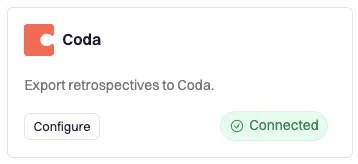
Locate **Coda** on the [Integrations catalog](https://rootly.com/account/integrations "Integrations catalog") and select `Setup`.
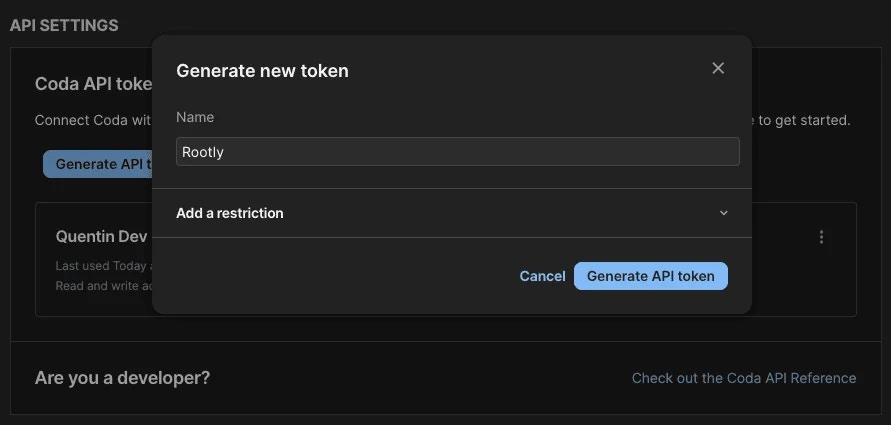
 You'll be prompted to enter your Coda API Key
 # Uninstall
You can **uninstall** this integration in the integrations panel by clicking **Configure > Delete.**
# Uninstall
You can **uninstall** this integration in the integrations panel by clicking **Configure > Delete.**