- Use customizable templates — define the retrospective body in Rootly for a semi-custom retrospective that follows industry best practices, or build a fully custom template in Coda and have Rootly generate the retrospective accordingly
- Reference Liquid variables in templates created in either Rootly or Coda
- Generate incident timelines automatically for templates created in Rootly, or with custom Liquid syntax for templates created in Coda
- Track action items — follow-ups are recorded automatically when Rootly-hosted templates are used, and custom Liquid syntax lists them in Coda-hosted templates
Before You Begin
Before setting up the integration, make sure you have:- A Rootly account, logged in as an Admin user
- A Coda account and an API key
Rootly recommends installing with a service account so the integration does not break if the installing user leaves your organization.
Installation
Open the Coda integration in Rootly
Locate Coda on the integrations catalog and select Setup.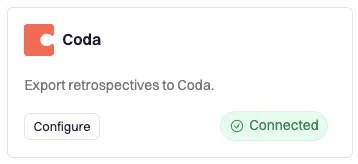
Enter your Coda API key
You will be prompted to enter your Coda API key.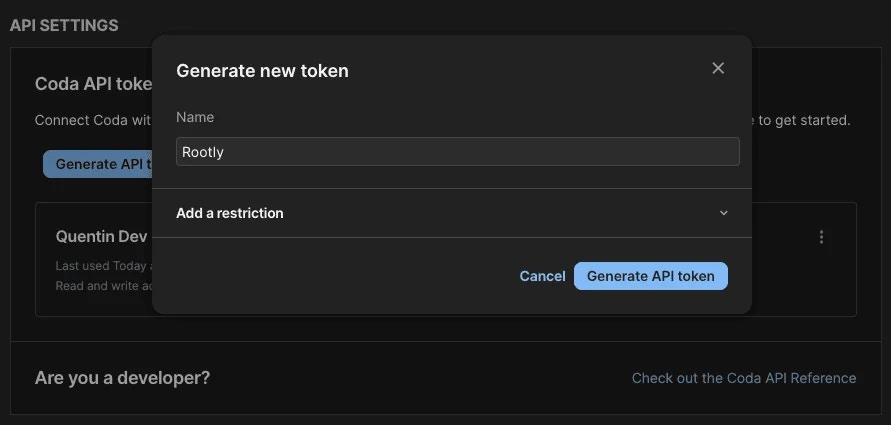
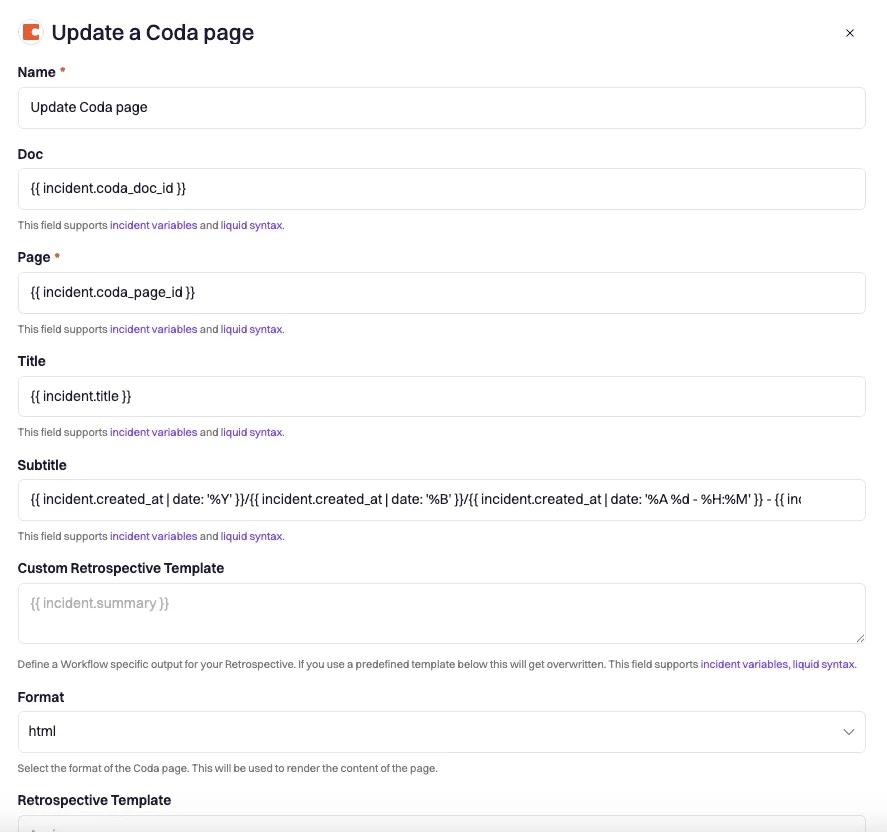
After installation, the Create a Coda Page and Update a Coda Page workflow actions are available in your Genius workflows.
Workflow Actions
The Coda integration uses workflows to generate retrospective pages in Coda automatically. If you are unfamiliar with how workflows function, visit the Workflows documentation first.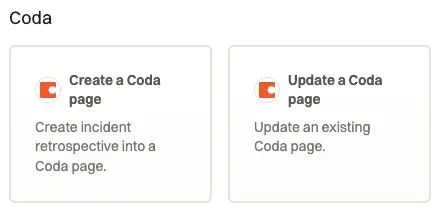
Create a Coda Page
Creates an incident retrospective in a Coda doc.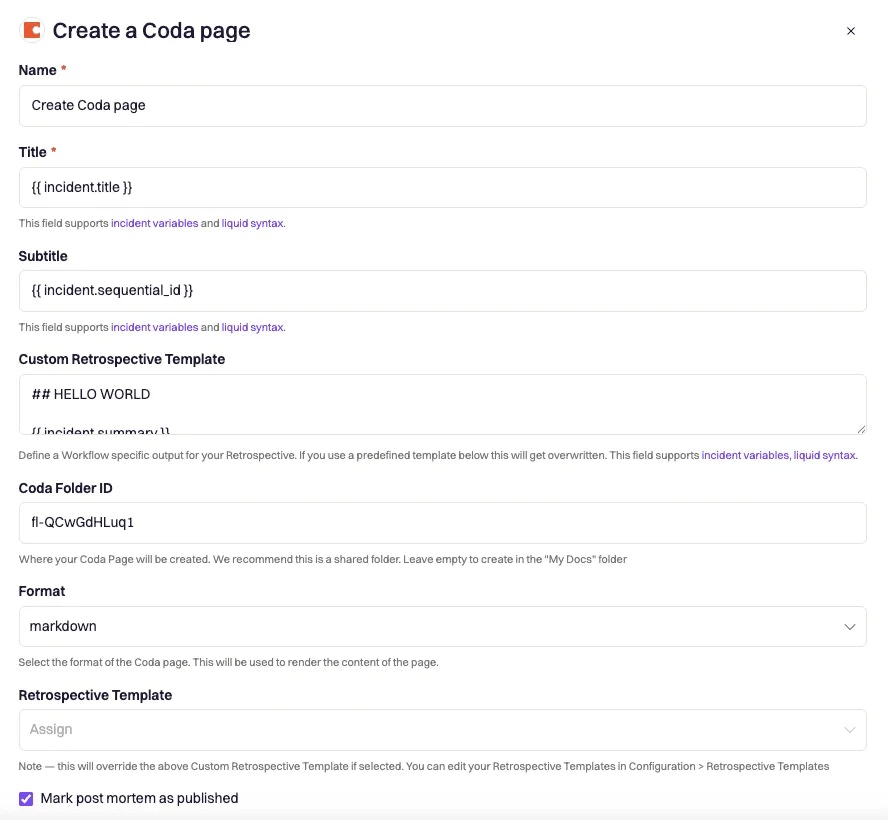
Update a Coda Page
Updates an existing incident retrospective in a Coda doc.