

rootly-catalog-sync is a standalone CLI tool that reconciles external sources of truth into Rootly’s Catalog. It pulls data from your existing systems — GitHub repos, Backstage, internal APIs, CSV files, or any command — and syncs it one-way into Rootly, keeping services, teams, and metadata up to date automatically.
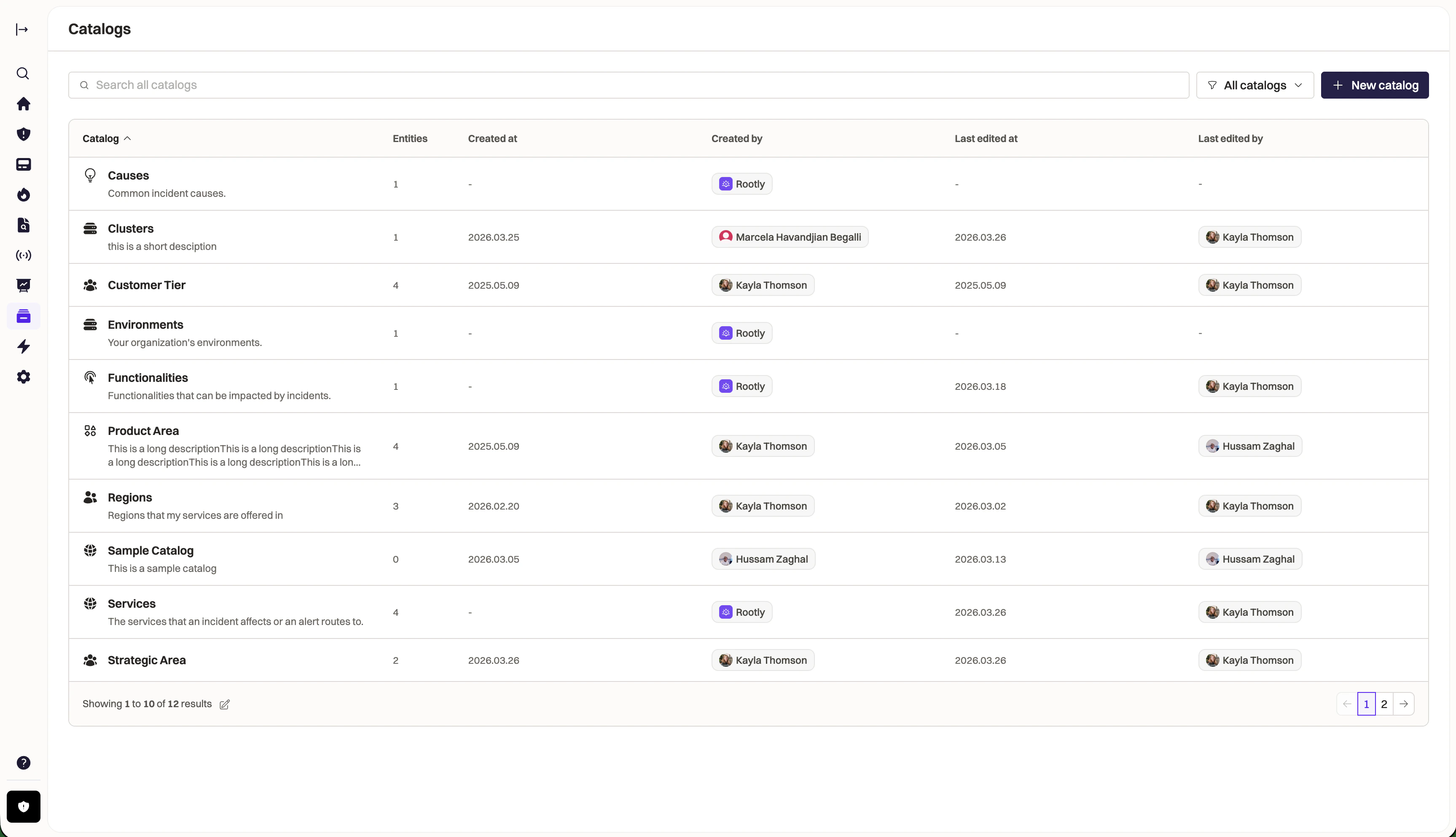
Why use Catalog Sync?
- Single source of truth — your service catalog lives in GitHub, Backstage, or a database. Rootly mirrors it automatically.
- No manual data entry — add a service to your repo, it appears in Rootly on the next sync.
- Safe by default — deletes are opt-in, empty sources abort, prune ratio thresholds prevent mass deletion.
- Terraform-style workflow —
planto preview,applyto execute,statusto check drift.
Install
Quick Start
Authentication
Two methods are supported, in priority order:API Key (CI / Non-Interactive)
OAuth 2.0 (Interactive)
ROOTLY_API_KEY is set, it always takes precedence over OAuth tokens.
Configuration
The sync tool uses a declarative config file (v2 format) that defines sync entries — each entry connects a source to a catalog or native resource target..yaml (default), .jsonnet, or .hcl. Credentials use $(ENV_VAR) substitution.
Sources
Inline Source
Local Source
GitHub Source
repos to scan all repositories in the org. Set archived: true to include archived repos.
Backstage Source
Exec Source
GraphQL Source
CSV Source
URL Source
HTTP Source
Output Targets
Each sync entry usesto: to specify the target. The value of to: determines whether entries go to a custom catalog or a native Rootly resource.
- Native resource: use a lowercase type name —
to: service,to: team,to: functionality,to: environment - Custom catalog: use the catalog display name —
to: "Services",to: "Tiers"
Custom Catalog
Creates entities in a named Rootly catalog with arbitrary fields.Native Resources
Sync directly to built-in Rootly resource types.description, pagerduty_id, github_repository_name) are set directly on the resource. Custom properties are auto-created on first sync for SDK-supported kinds (text, boolean, group, service, etc.). Reference properties are auto-created when the referenced catalog exists.
Custom Properties
Native resources (services, teams, functionalities, environments) support custom properties that extend the built-in attributes. These properties are managed automatically during sync.Auto-Created Properties
Text properties are auto-created on first sync. Simply include them in yourmap: and they will appear on the resource:
Reference Properties
Reference properties link native resources to catalog entities. To use them, first sync the referenced catalog, then reference it in the native resource mapping. For example, to link services to a “Tiers” catalog:tiers.yaml
rootly-catalog-sync.yaml
reference: Tiers shorthand tells the sync tool to resolve the human-readable tier name to the corresponding catalog entity UUID. Matching is case-sensitive and compares the field value against the catalog entity’s name (not external_id). The referenced catalog (“Tiers” in this example) must exist — sync it in an earlier sync entry so it is available when the service entry runs.
Template Syntax
Field mappings use Go template syntax to transform source entries into output fields.Field Access
Conditionals
missingkey=error — a missing field in the source data causes an immediate error rather than a silent empty string.
Commands
Safety Guarantees
- Deletes are opt-in —
--allow-prunerequired, off by default - Empty source aborts — never wipes a catalog on a source failure
- Prune ratio threshold — aborts if deletes exceed 20% of live entities (configurable via
--prune-threshold) - Manual entries are safe — only entries with
external_id(created by sync) are prunable - Order: create/update first, delete last — no window where entries are missing
- Plan freshness —
applyvalidates that live state hasn’t changed since the plan was created
CI/CD Integration
GitHub Actions
Dry-run on PRs
Nightly Drift Detection
Kubernetes Deployment
Deploy catalog sync to Kubernetes using the official Helm chart:Environment Variables
Interactive TUI
Thetui command launches a full-screen terminal UI for reviewing and selectively applying changes:
- Browse changes with colored badges (CREATE/UPDATE/DELETE/NOOP)
- Toggle individual changes with
space, expand field diffs withenter - Filter by operation type (
c/u/d) or search (/) - Detail pane shows full entity fields on wide terminals
- Apply only selected changes with
A