- Create and update GitHub issues from incident workflows
- Fetch recent commits across repositories during an incident
- Receive push, pull request, and issue events as Rootly pulses
- Automatically enrich GitHub PR links shared in Slack with live status updates
Before You Begin
This integration uses a two-step process:- Install the rootlyhq GitHub App from the GitHub Marketplace
- Connect GitHub to Rootly via OAuth
Permissions
The following GitHub App permissions are required:Installation
Step 1: Install the GitHub Marketplace App
1
Open your organization's GitHub Apps page
Navigate to the GitHub Apps page for your organization. Replace 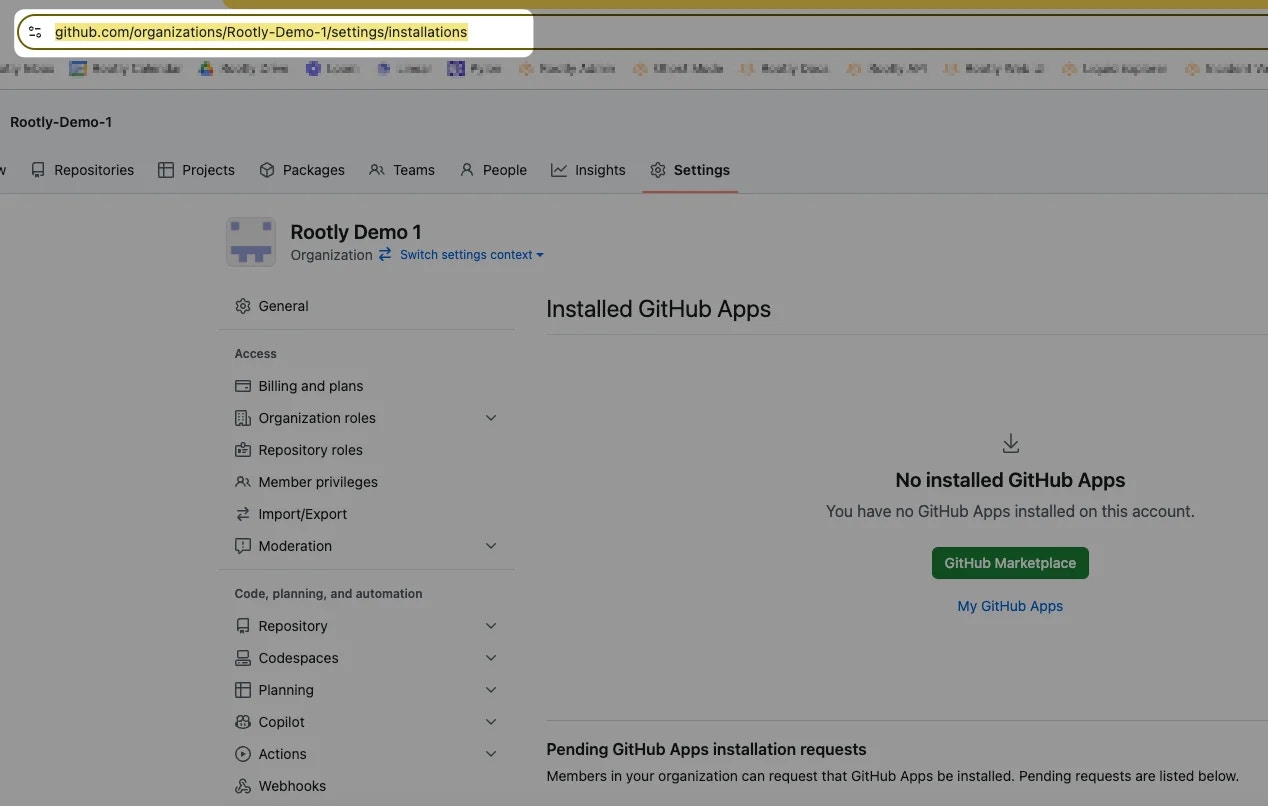
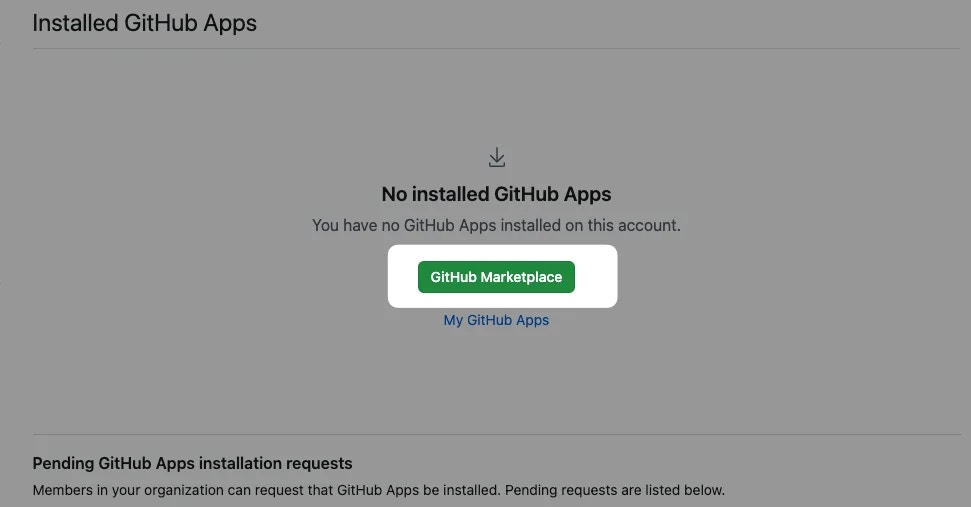
<your-organization-name> with your organization’s name:2
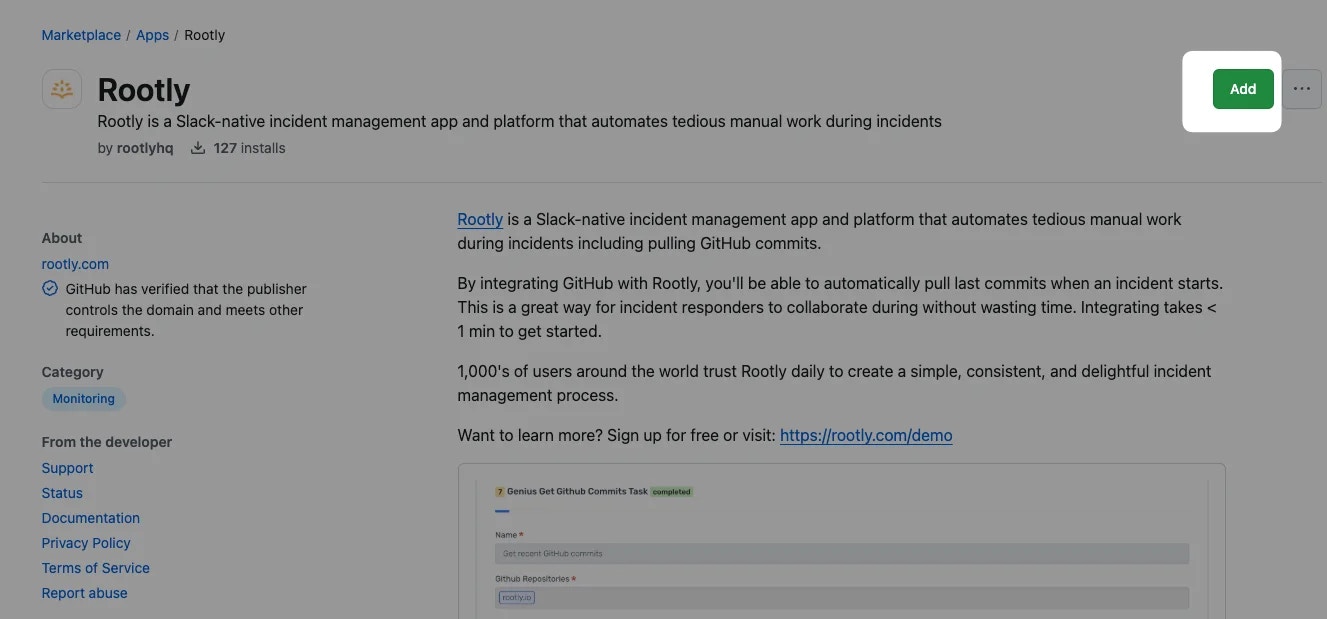
Find and add the Rootly app
Search for rootly and click on the Rootly app.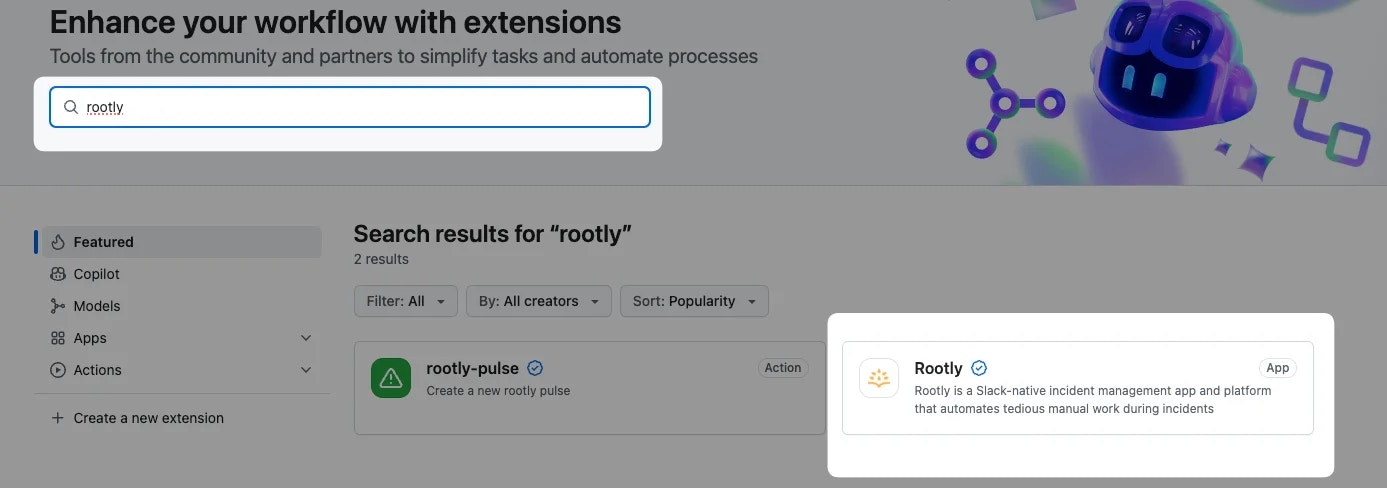
3
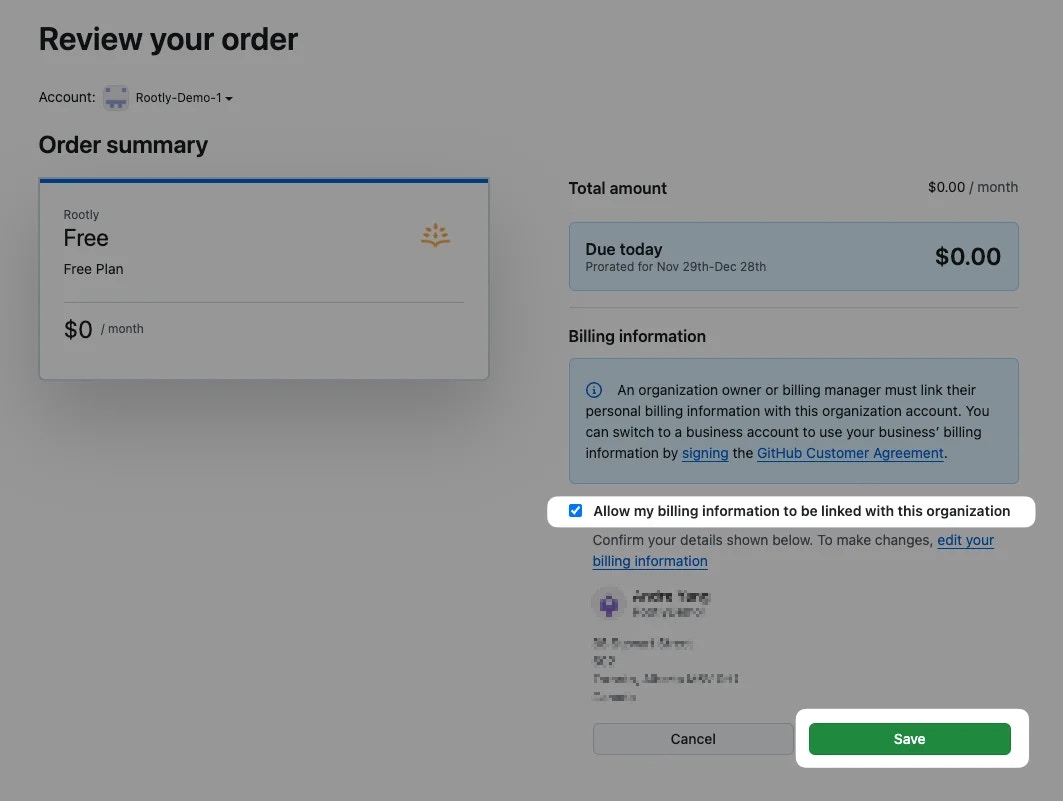
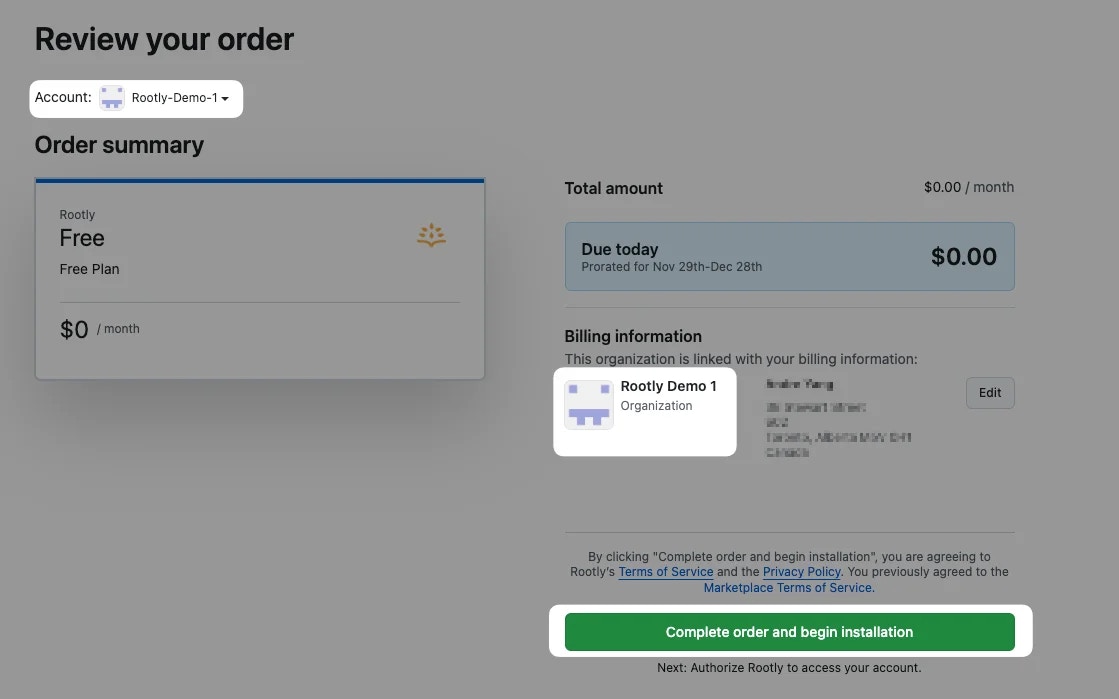
Select the correct organization
If you belong to multiple GitHub organizations, select the correct one and click Install it for free.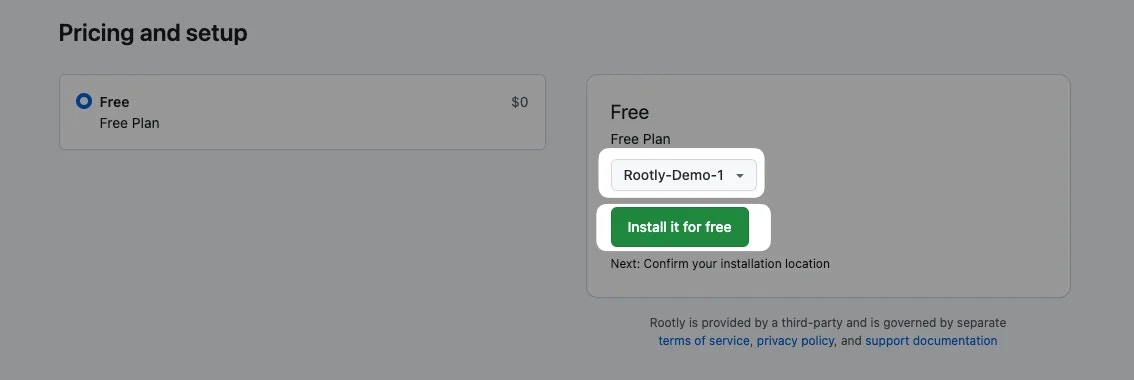
4
Set repository scope and install
Select the desired scope of access (all repositories or specific repositories) and click Install.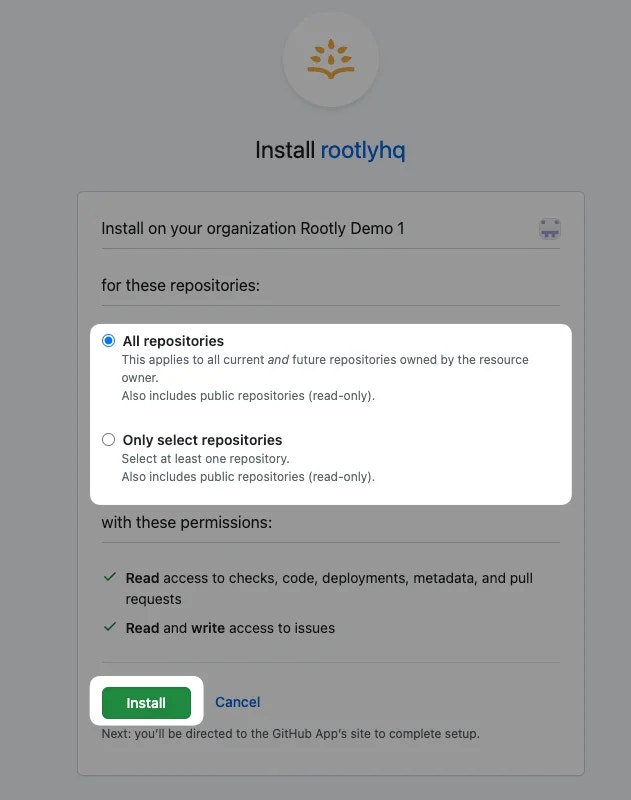
5
Log out of GitHub
Log out of your GitHub account before proceeding. This is required so Rootly can re-establish the connection under the correct account.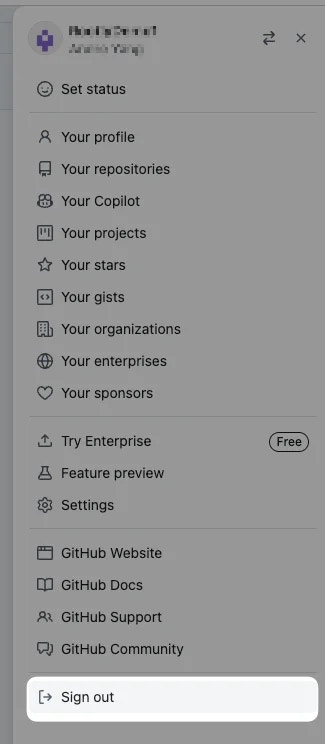
Step 2: Connect GitHub to Rootly
1
Find GitHub in Rootly Integrations
Navigate to the Integrations page in Rootly and search for github.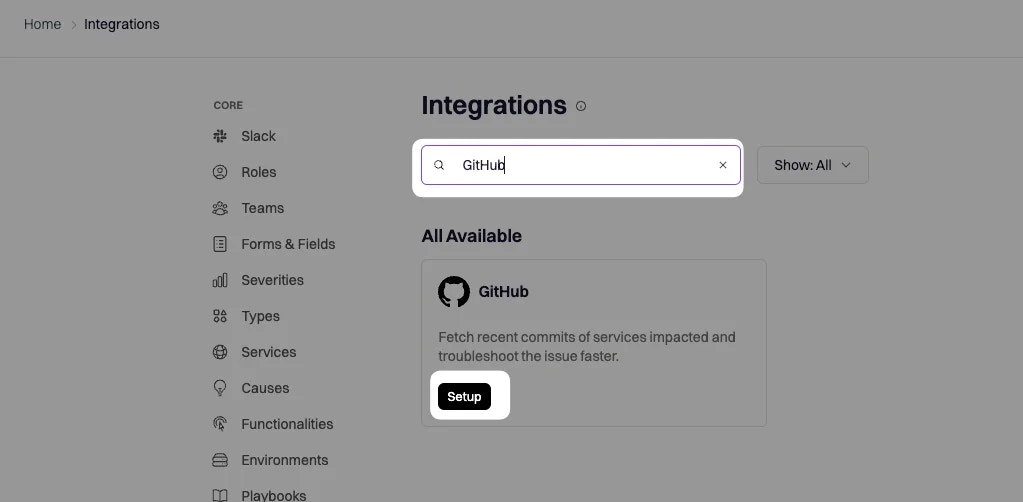
2
Authorize the connection
You’ll be prompted to sign in to GitHub to authorize the connection to your organization.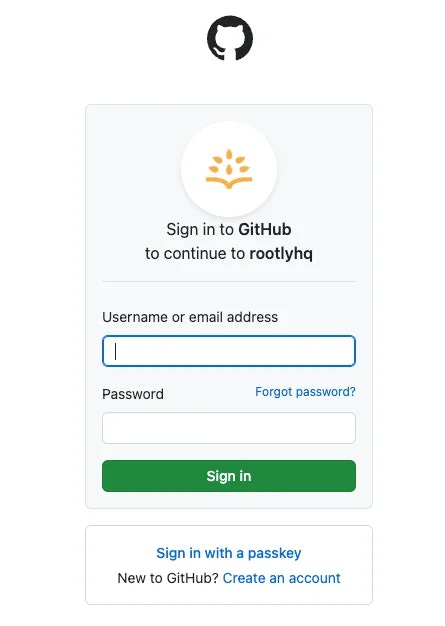
3
Save the integration
Click Save to complete the setup.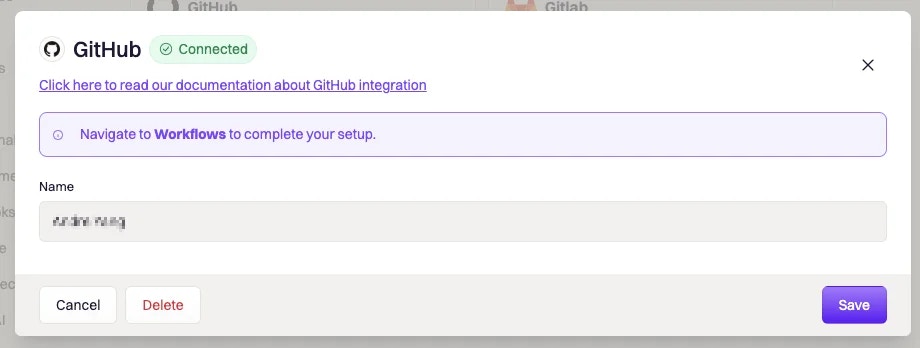
GitHub is now connected. You can use the Create Issue, Update Issue, and Get Commits workflow actions, and GitHub events will begin flowing in as pulses.
Workflow Actions
These actions are available in Incident Workflows and Alert Workflows.Create a GitHub Issue
Creates a new issue in the specified GitHub repository and links it to the Rootly incident or action item.Update a GitHub Issue
Updates an existing GitHub issue linked to the incident or action item.When Completion is set to Auto, Rootly will automatically close the GitHub issue when the linked incident is resolved or the linked action item is completed.
Get Commits
Fetches recent commits from one or more GitHub repositories and optionally posts them to the incident timeline or a Slack channel.When Services Impacted by Incident is disabled, either Service IDs or Repository Names must be provided. Each service used must have a GitHub repository configured in its settings.
PR Link Enrichment
When an engineer pastes a GitHub PR URL into the incident’s Slack channel, Rootly automatically:- Detects the PR link and attaches it to the incident
- Tracks the PR status (open, approved, merged) in real time
- Posts status updates in Slack as the PR progresses
- Adds each status change as an event in the incident timeline
Inbound Events (Pulses)
Rootly receives GitHub webhook events and stores them as pulses — timestamped signals you can correlate with incidents.Supported Events
Pulse Labels
Each pulse includes the following labels for filtering and routing:Secret Scanning
GitHub scans public repositories for known secret patterns, including Rootly API tokens. Rootly has partnered with GitHub’s secret scanning program. When a Rootly token is detected in a public repository, GitHub notifies Rootly, which then alerts workspace owners and allows them to revoke the token within seconds. GitHub Advanced Security customers can additionally enable push protection to block Rootly tokens from entering repositories at push time.Troubleshooting
Issues are not being created
Issues are not being created
- Confirm the repository name is in
org/repoformat - Verify the connected GitHub account has write access to the target repository
- Check that the rootlyhq GitHub App is still installed and has access to the repository
Get Commits returns no results
Get Commits returns no results
- Confirm the branch name is correct and exists in the repository
- Check that the Past Duration window is wide enough to include recent commits
- When using Service IDs, verify each service has a GitHub repository configured in its settings
PR enrichment is not working
PR enrichment is not working
- The incident must have an active Slack channel
- The PR URL must be pasted directly in the incident Slack channel (not a thread)
- Confirm the GitHub App has Read access to pull requests
Pulses are not appearing
Pulses are not appearing
- Navigate to the Rootly integrations page and verify the GitHub connection is active
- Re-authenticate if the OAuth token has expired
- Confirm the rootlyhq GitHub App is installed and the webhook is active in your GitHub organization settings
Uninstall
Uninstalling requires two steps — removing the integration from Rootly and uninstalling the GitHub App.1
Delete from Rootly
Delete the GitHub integration from Rootly via the Integrations page.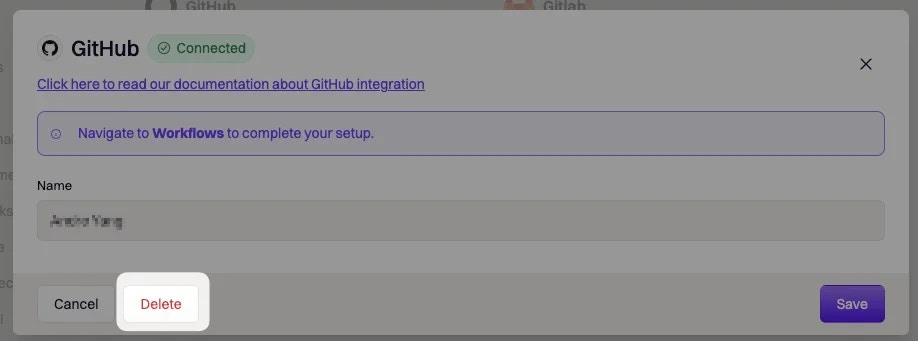
2
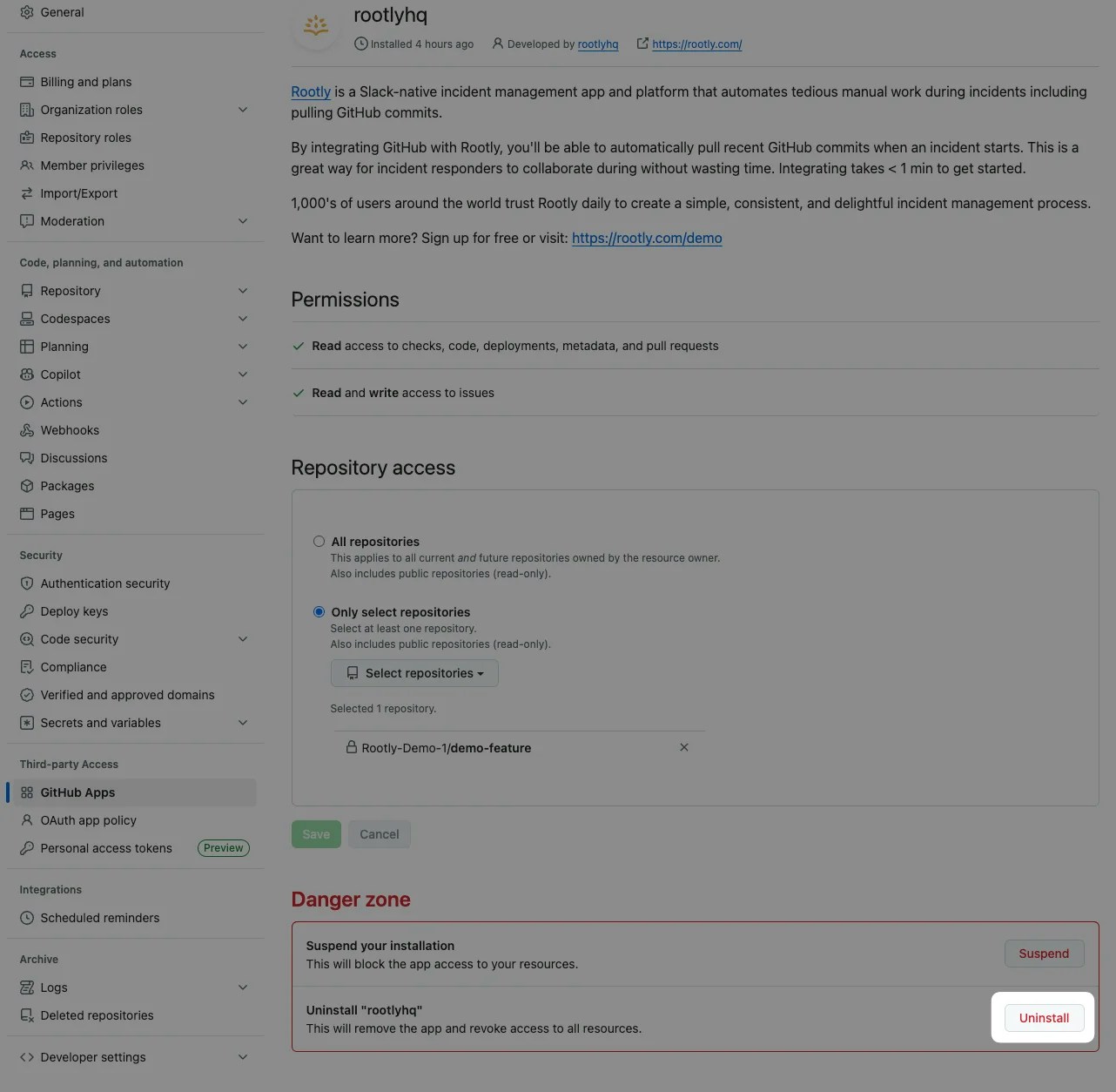
Uninstall from GitHub
Uninstall the rootlyhq app from your organization’s GitHub Apps page.